GT Nexus Navigation
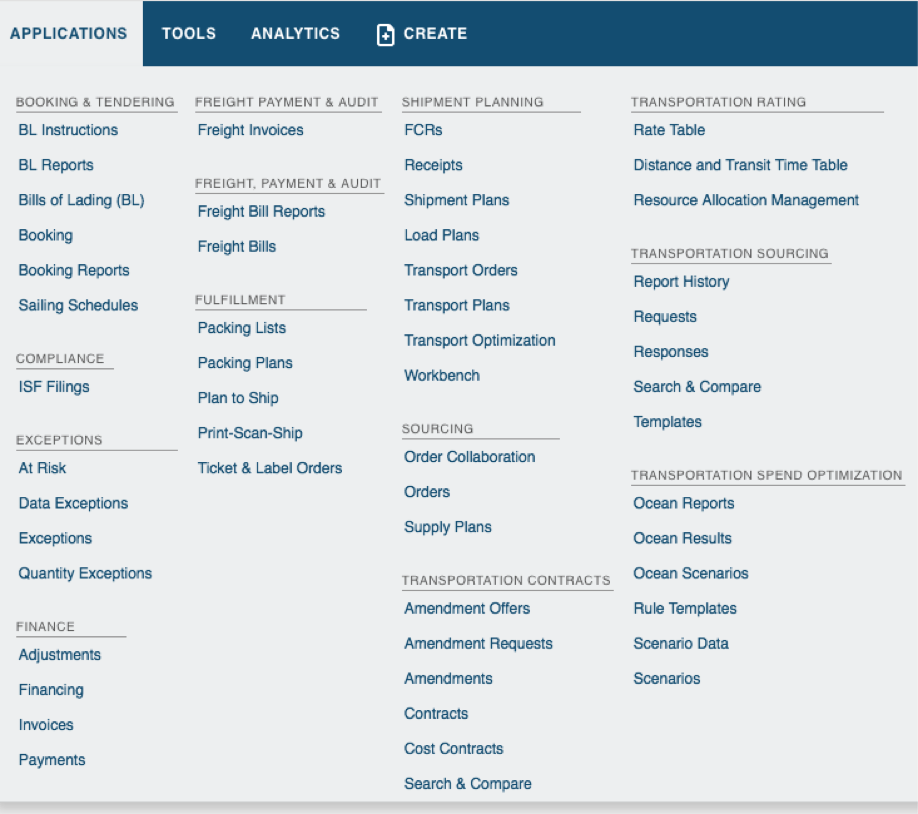
GT Nexus is a supply chain management platform with a menu extensive enough to fit multiple customers needs and workflows. The number of menu items a user sees is based on what the organization configures, limiting the user’s flexibility to customize their own navigation.
Product Designer | Hook & Loop/Infor GT Nexus
Collaborated with the Product Manager, Stakeholders and the Engineering Team to research, assess existing navigation interactions, audit the information architecture and learn about any existing needs, users had brought up.
Challenge
GT Nexus merged two companies in the past and had to combine navigation systems into one. Since this had already been done before GT Nexus became an Infor product, assessing the current navigation was necessary to define the hierarchy of menu items.
I started by auditing the navigation IA and meeting with the lead UX developer to prioritize design changes and to also correctly assess the architecture. Each user's experience is different since it is based on what the organization configures and the custom applications they have access to.
Research
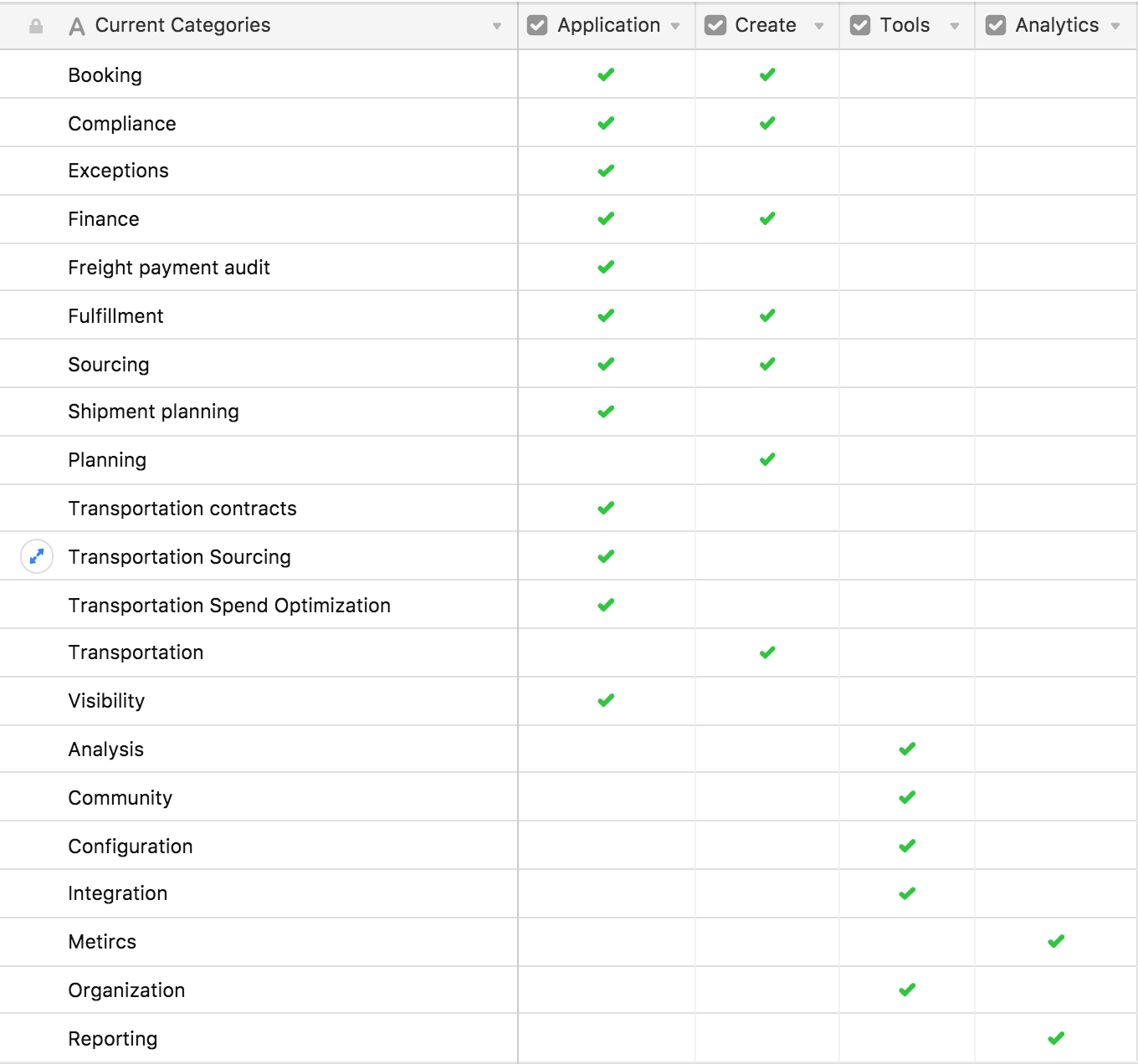
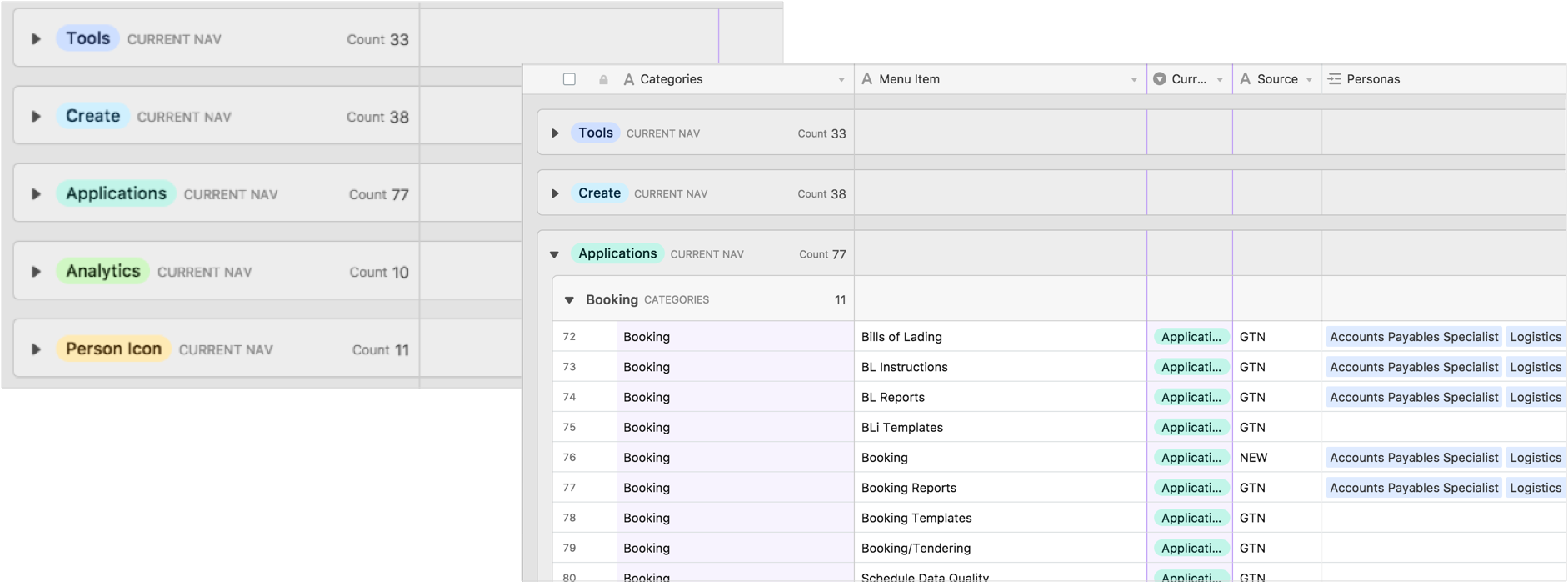
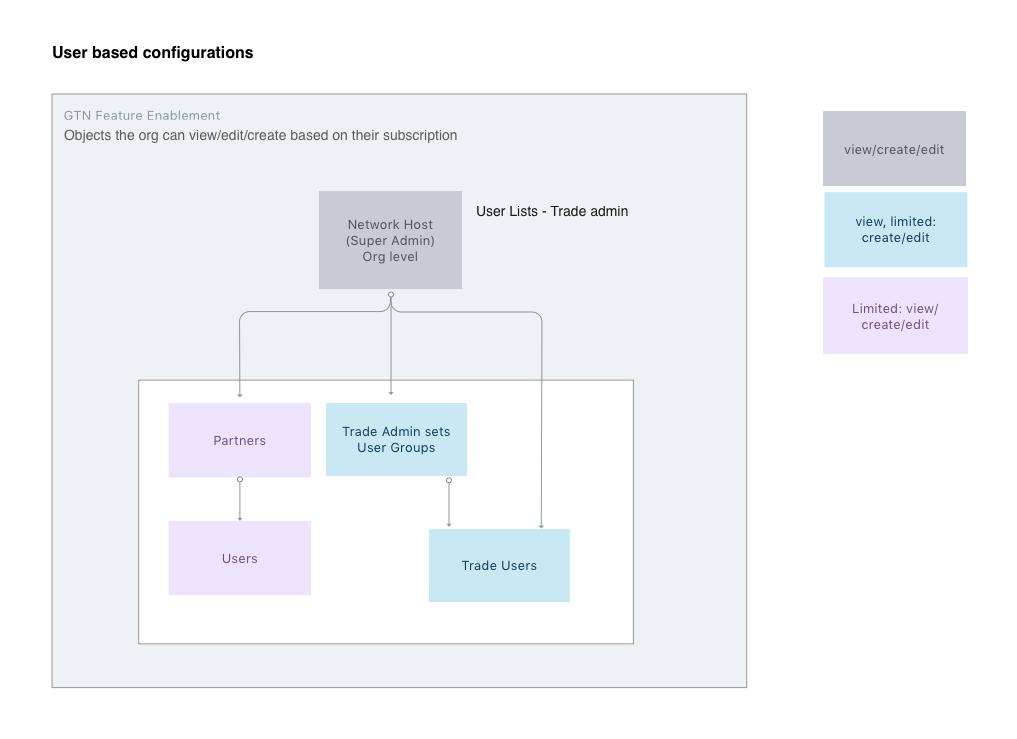
As part of the research phase, I interviewed stakeholders on the team to learn more about the current Navigation and existing user insights. The interviews helped me understand the GT Nexus navigation system, the different user roles, existing categories, custom objects, reasons behind the hierarchy, and current limitations. After the interviews, I broke down all the menu items on a spreadsheet (AirTable) and began to see where improvements could be made to the architecture. I also outlined existing user roles and the levels of access each role requires.
Proposed Information Architecture
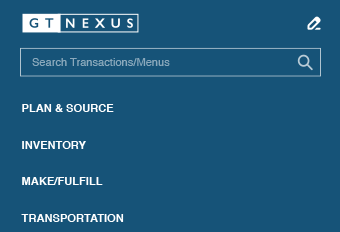
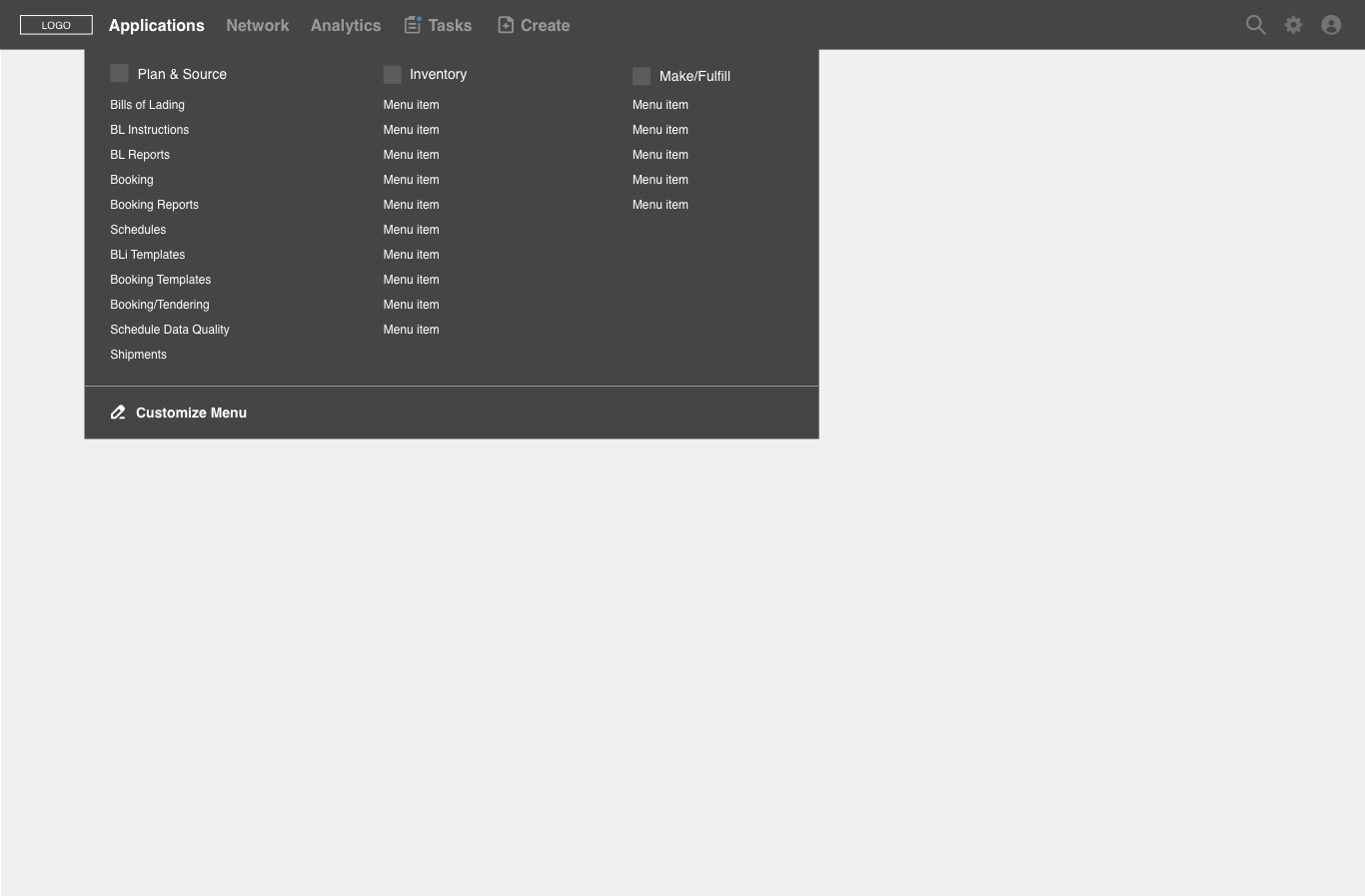
GT Nexus was moving towards a workflow based product model. This meant that organizations would be able to choose from a new product model focused on what they use the most. Previous research done by the product team included: defining organization groupings, creating user personas, and classifying processes used by these groups. I explored how the current navigation could be recategorized to match the new workflow breakdown. I moved the menu items into five new categories: Plan & Source, Inventory, Make/Fulfill, Transportation, and Settlement.
Wireframes
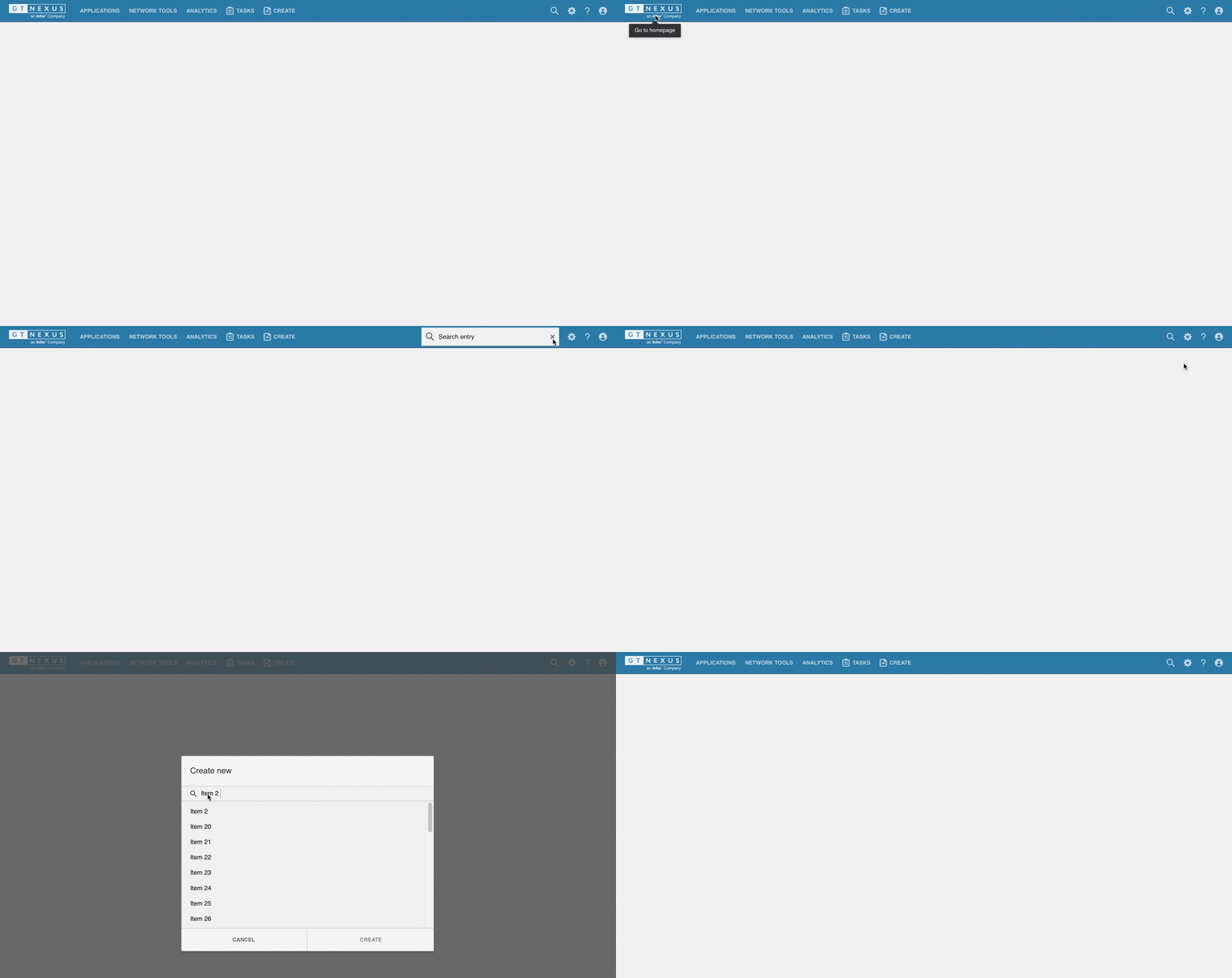
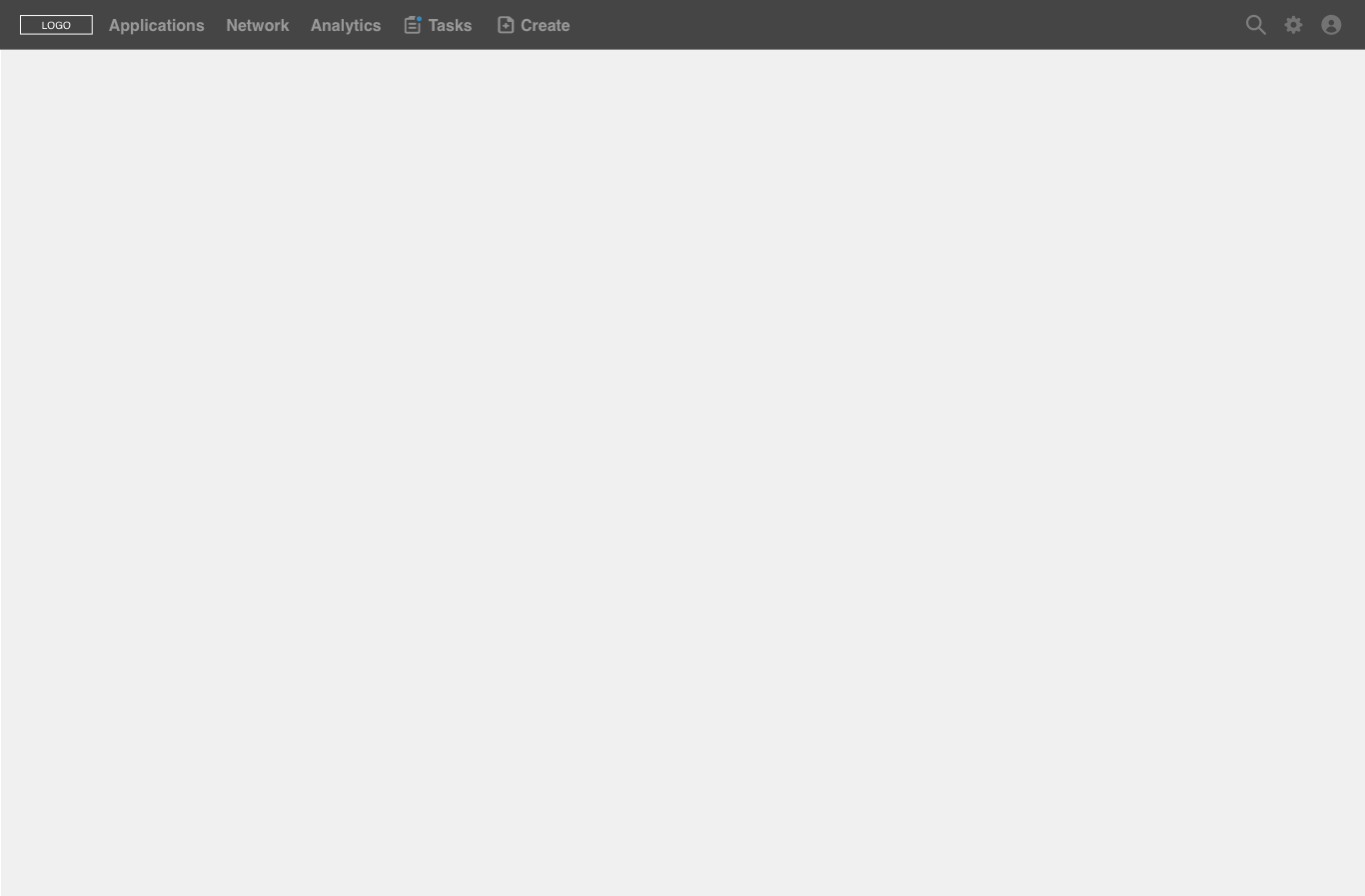
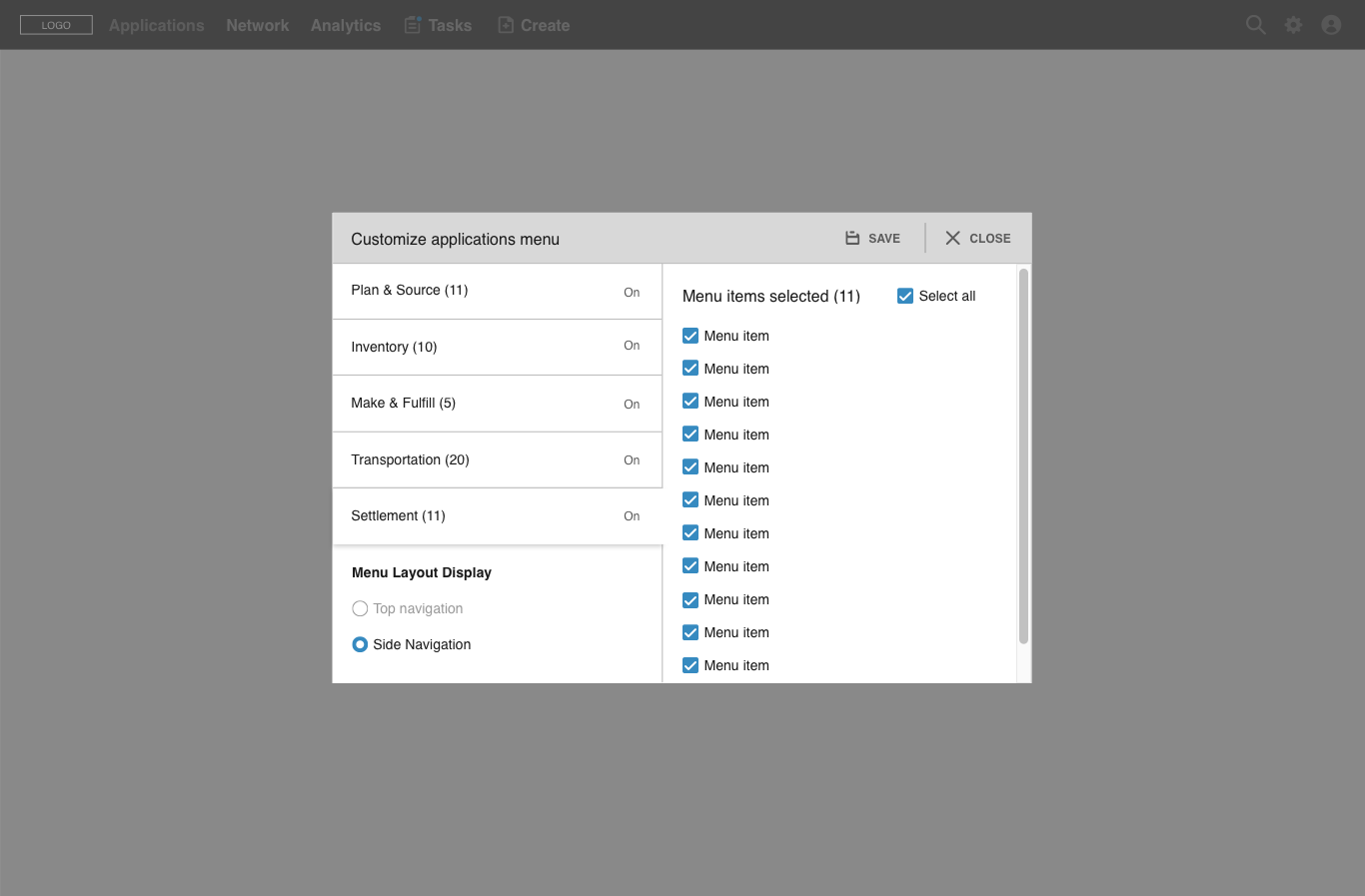
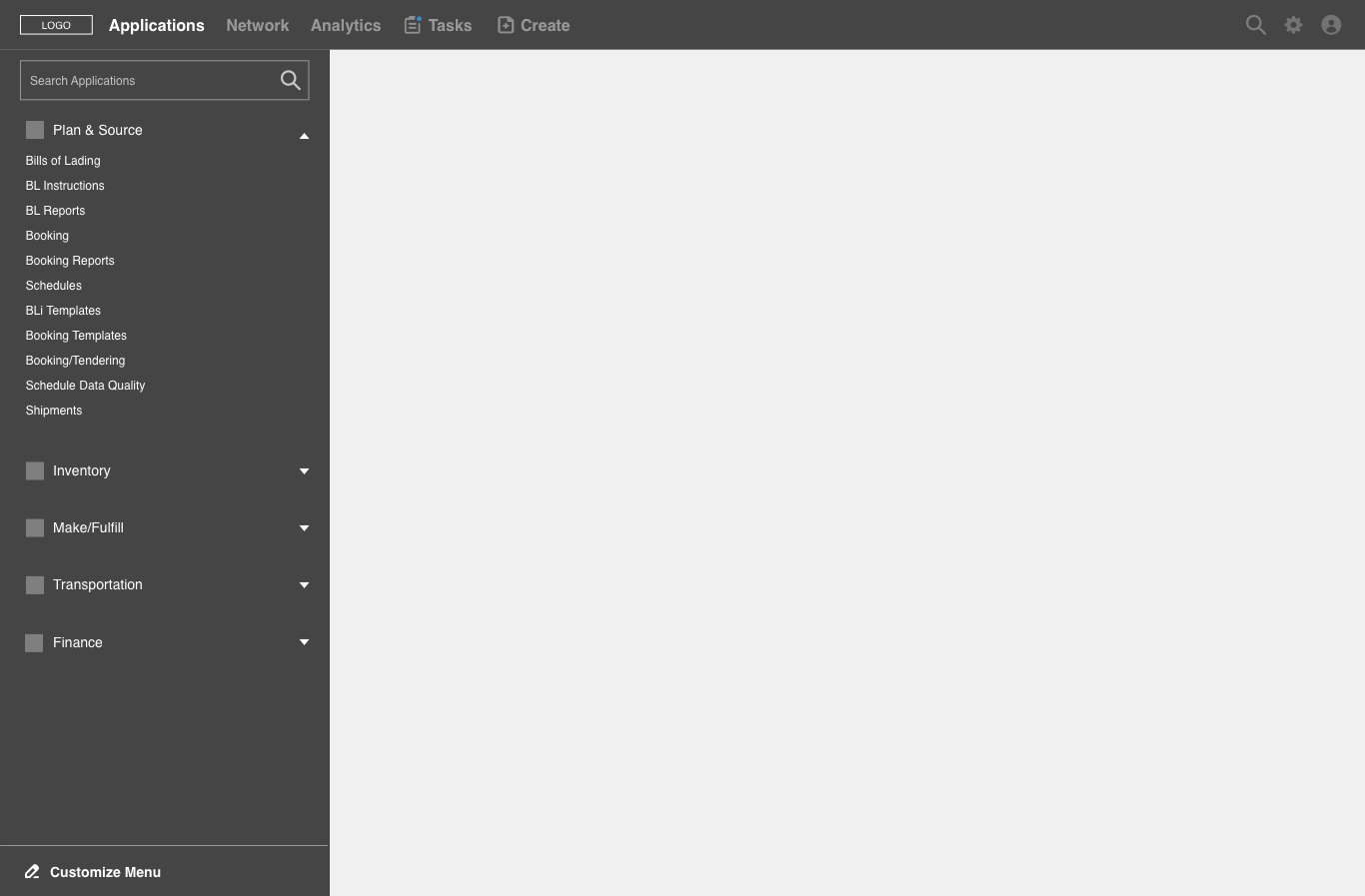
The new design gives users the ability to customize their navigation menu items and layout. The wireframes show how a user would be able to access that feature. They navigate to the “Applications” menu and there can click on “Customize menu” and select which menu items they would like to see on their main navigation by selecting the checkboxes next to the item name. They also have the ability to change the placement of the menu to be on a left panel instead of a top navigation.
Conclusion
The IA provides updated navigation categories following the tiers on the GT Nexus product suite, and it reduces the number of menu items. A customizable interface, allows users to show/hide menu items in the “Applications” category and also change the layout of the navigation. The “Create New” experience was redesigned to clearly show that a user is starting a process by taking them into a modal where they can search for items and start the “Create New” process. The updated navigation is in development.